

We’ve recently been asked how someone can find their ballot information, and since not all the counties in our area upload sample ballots for constituents, we’ve created this guide.
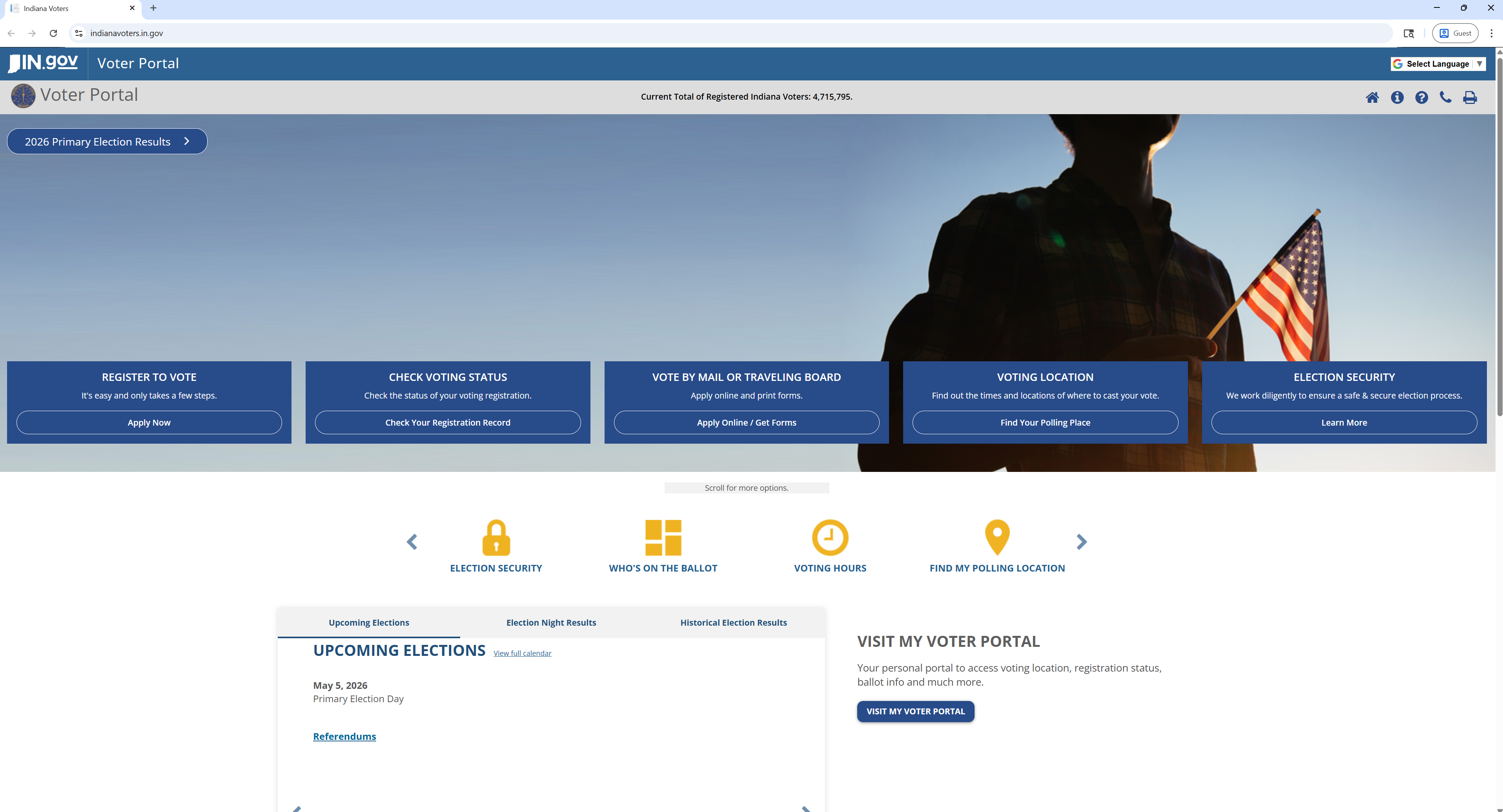
Visit the Indiana Secretary of State’s Voter Portal at indianavoters.in.gov.
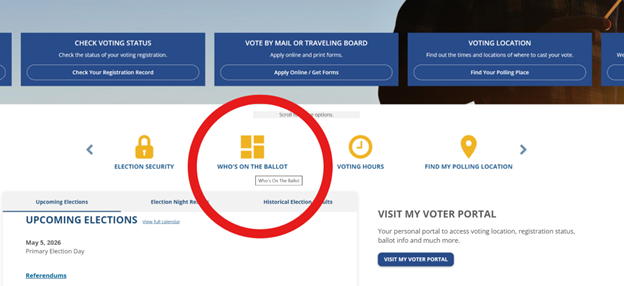
Click on ‘WHO’S ON THE BALLOT’ in the middle of the page.
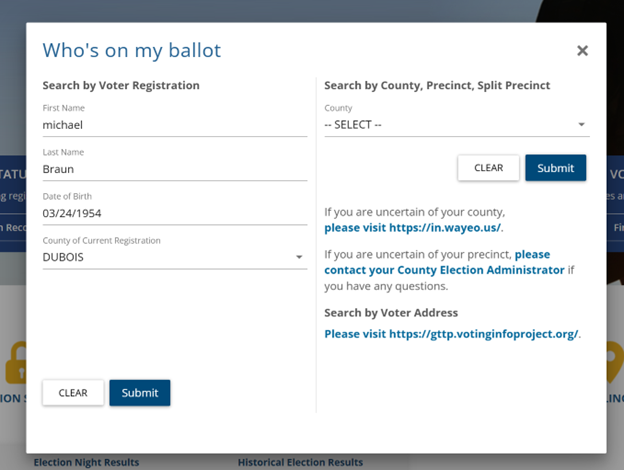
Fill in the information to ‘Search by Voter Registration’ and get your personalized ballot information.
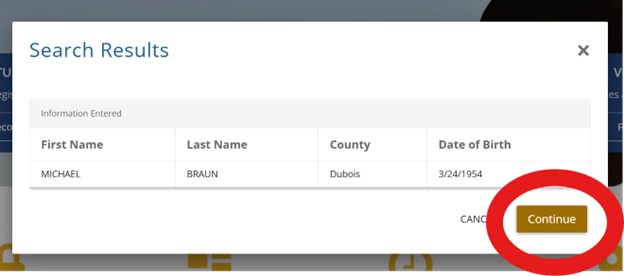
Make sure that is YOU, and then click ‘Continue’.
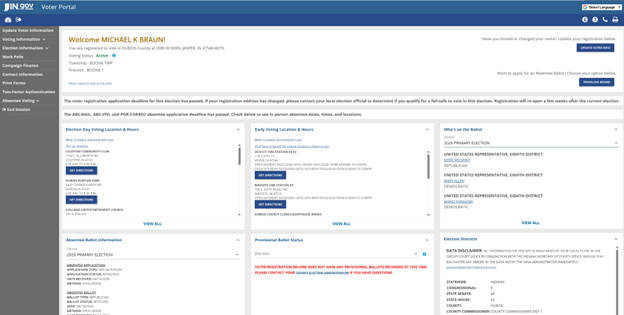
You’ll then get to a page where you can see ‘Election Day Voting Location & Hours,’ ‘Early Voting Location & Hours,’ and ‘Who’s on the Ballot.’
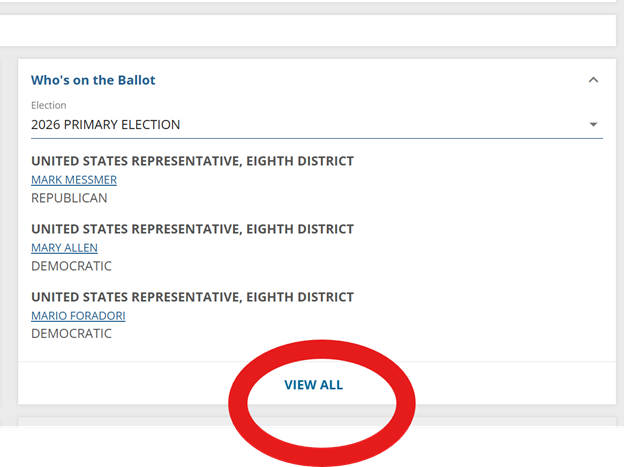
Click ‘VIEW ALL’ under ‘Who’s on the Ballot’ and you’ll see all of the options for your ballot choices.
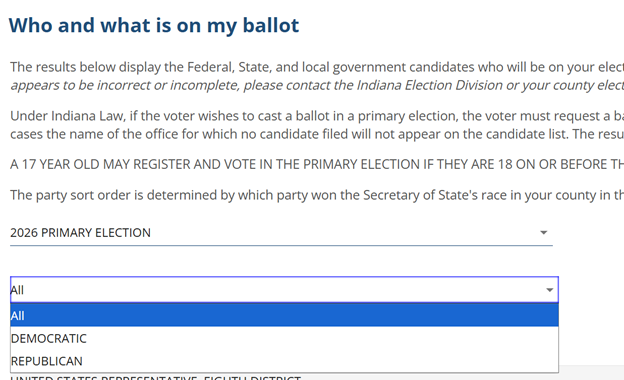
On the new page that opens, you can then choose which primary ballot you’d like to view in a drop-down menu.
Again, you do all of this at indianavoters.in.gov.